
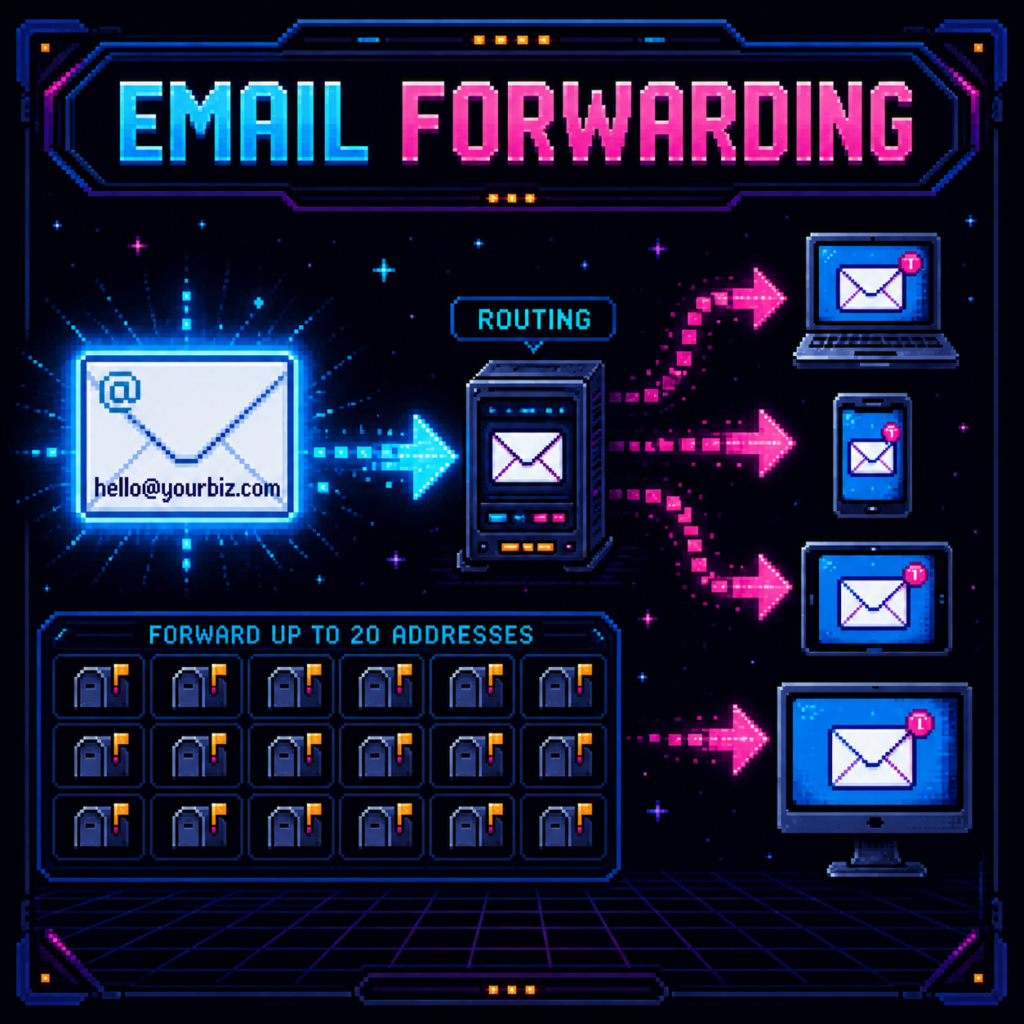
Email forwarding gives your business professional-looking addresses at your domain without creating a separate stored mailbox for every address.
For example, a customer can write to [email protected]. The forwarding service immediately routes that incoming message to an inbox you already use, such as your existing personal or business email account.
What email forwarding includes
- Professional addresses using your website domain.
- Up to 20 addresses such as hello@, sales@, support@, billing@, or yourname@.
- Automatic delivery of incoming messages to an inbox you already monitor.
- The ability to route multiple business addresses to one person or route addresses to different team members.
What it does not include
Email forwarding is not a standalone email account. It does not include its own inbox, mailbox storage, contacts, calendar, webmail login, or email migration.
Forwarding also does not automatically let you send messages from the forwarded address. Some receiving providers offer a separate “send as” feature, but availability and setup depend on that provider and are not part of basic forwarding.
A simple example
- A visitor emails [email protected].
- The forwarding rule receives the message.
- The message is delivered to the existing inbox you selected.
- You read and manage it from the inbox you already know.
When forwarding is a good fit
Forwarding works well for a small business that wants branded contact addresses while continuing to use existing inboxes. It keeps the setup simple and avoids paying for a separate mailbox for every public-facing address.
When you need a full mailbox instead
Choose a hosted mailbox service when each team member needs a dedicated login, mailbox storage, webmail, calendar and contacts, reliable sending from the business address, administrative controls, or migration of existing mail.
How DynoReg sets it up
You tell us which business addresses you want and where each address should deliver incoming messages. We configure and test the forwarding rules with your domain. You should never send passwords or recovery codes through a website form.